
SUMMARY:
Data teams can prevent critical architecture, governance, and security failures within Microsoft Fabric by systematically identifying common deployment anti-patterns.
- Administrators enforce strict workspace naming conventions and utilize built-in Git integration to eliminate high-risk, direct-to-production code edits.
- Security teams transition away from individual account access by implementing Azure AD security groups and establishing regular review cadences for tenant-level administrative settings.
- Data engineers standardize ingestion patterns, assign clear dataset owners, and embed automated quality checks into pipelines to prevent the downstream propagation of unverified data.
- Technology leaders measure their current platform maturity and generate prioritized remediation plans using XTIVIA’s comprehensive self-service assessment framework.
Organizations must proactively implement robust architectural and governance foundations to safely scale their Microsoft Fabric environments and maximize enterprise data reliability.
Table of contents
- SUMMARY:
- Introduction
- Microsoft Fabric Anti-Pattern #1: The “One Workspace” Trap
- Microsoft Fabric Anti-Pattern #2: The “Lakehouse_Final_v2” Problem — No Naming Conventions
- Microsoft Fabric Anti-Pattern #3: Direct-to-Prod Workflows With No Version Control
- Microsoft Fabric Anti-Pattern #4: Capacity Blindness
- Microsoft Fabric Anti-Pattern #5: Hardcoded Credentials and Configuration
- Microsoft Fabric Anti-Pattern #6: Individual Account Access Everywhere
- Microsoft Fabric Anti-Pattern #7: Tenant Security Settings Never Reviewed
- Microsoft Fabric Anti-Pattern #8: No Data Ownership
- Microsoft Fabric Anti-Pattern #9: Semantic Model Sprawl
- Microsoft Fabric Anti-Pattern #10: Ad Hoc Data Ingestion With No Standard Pattern
- Microsoft Fabric Anti-Pattern #11: No Data Quality Strategy
- Microsoft Fabric Anti-Pattern #12: Reactive Monitoring — or No Monitoring at All
- How to Assess Your Own Fabric Environment
- When This Assessment Is Most Useful
- What’s Next
Introduction
Organizations adopting Microsoft Fabric tend to move fast. The platform makes it easy to stand up workspaces, build pipelines, and start delivering reports within weeks and even days. But that speed often comes at a cost: teams skip the architectural foundations that keep a Fabric environment manageable, secure, and scalable as it grows.
At XTIVIA, we’ve performed a bunch of Microsoft Fabric implementation assessments and health checks for organizations at every stage of adoption — from early POCs to mature, multi-domain deployments. Across those engagements, we keep encountering the same anti-patterns. Not occasionally. Consistently.
This post breaks down the most common Fabric anti-patterns we see across five key dimensions: overall architecture, Fabric item architecture, governance, security, and DevOps. Some dimensions surface multiple anti-patterns, which is why we ended up with twelve rather than five. At the end, we’ll share a free self-service assessment tool we built to help teams identify which of these gaps exist in their own environments.
Microsoft Fabric Anti-Pattern #1: The “One Workspace” Trap
This is the most common architectural anti-pattern we encounter. It takes two forms, and both create serious problems at scale.
Form A: Everything in a single workspace. Dev, test, and production artifacts all live side by side. Notebooks are tested against production data. Pipeline changes go live the moment they’re saved. There’s no isolation between experimentation and business-critical reporting. When something breaks — and it will — there’s no clean rollback path.
Form B: Uncontrolled workspace sprawl. The opposite extreme. Every team, project, or experiment gets its own workspace with no naming conventions, no organizational strategy, and no one tracking what exists. You end up with workspaces like Sales_Dashboard_v2, Finance_Test_Old, and JohnD_Sandbox_Final scattered across the tenant. Finding anything becomes a scavenger hunt, and governance is effectively impossible.
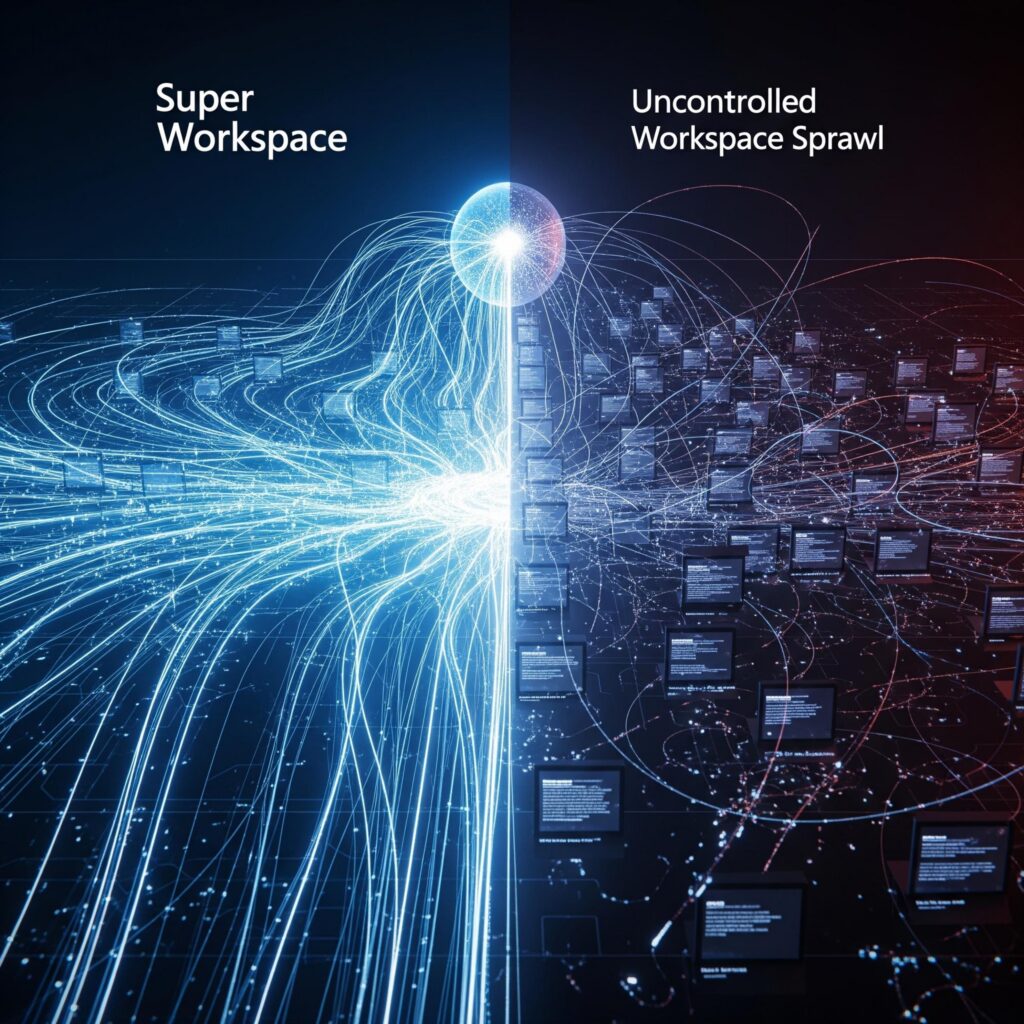
What mature environments look like: Workspaces are organized by a deliberate strategy and designed to fit the organization’s size and complexity — typically by some combination of environment (dev/test/prod), function ( data engineering and reporting), data domain (finance, operations, sales, customer service), and by data sensitivity classification. Naming conventions are documented, consistently enforced, and ideally validated during code review or deployment.
Microsoft Fabric Anti-Pattern #2: The “Lakehouse_Final_v2” Problem — No Naming Conventions
Naming conventions are the connective tissue of a governable Fabric environment. Without them, everything else becomes harder — discovery, lineage tracing, access reviews, onboarding new team members, and even basic troubleshooting.
We regularly encounter tenants where lakehouses are named Sales_Data, SalesData_New, and Sales_Lakehouse_Prod_v2 — all in the same workspace. Notebooks follow no pattern. Pipelines are named after the person who created them. Semantic models have cryptic abbreviations that made sense to the original author six months ago but make no sense to anyone now.
The deeper problem is that without naming conventions, automation becomes nearly impossible. You can’t programmatically enforce governance rules, build deployment scripts, or even write reliable monitoring alerts if you can’t predict what things are called. Naming conventions are the prerequisite that makes every other maturity improvement work at scale.
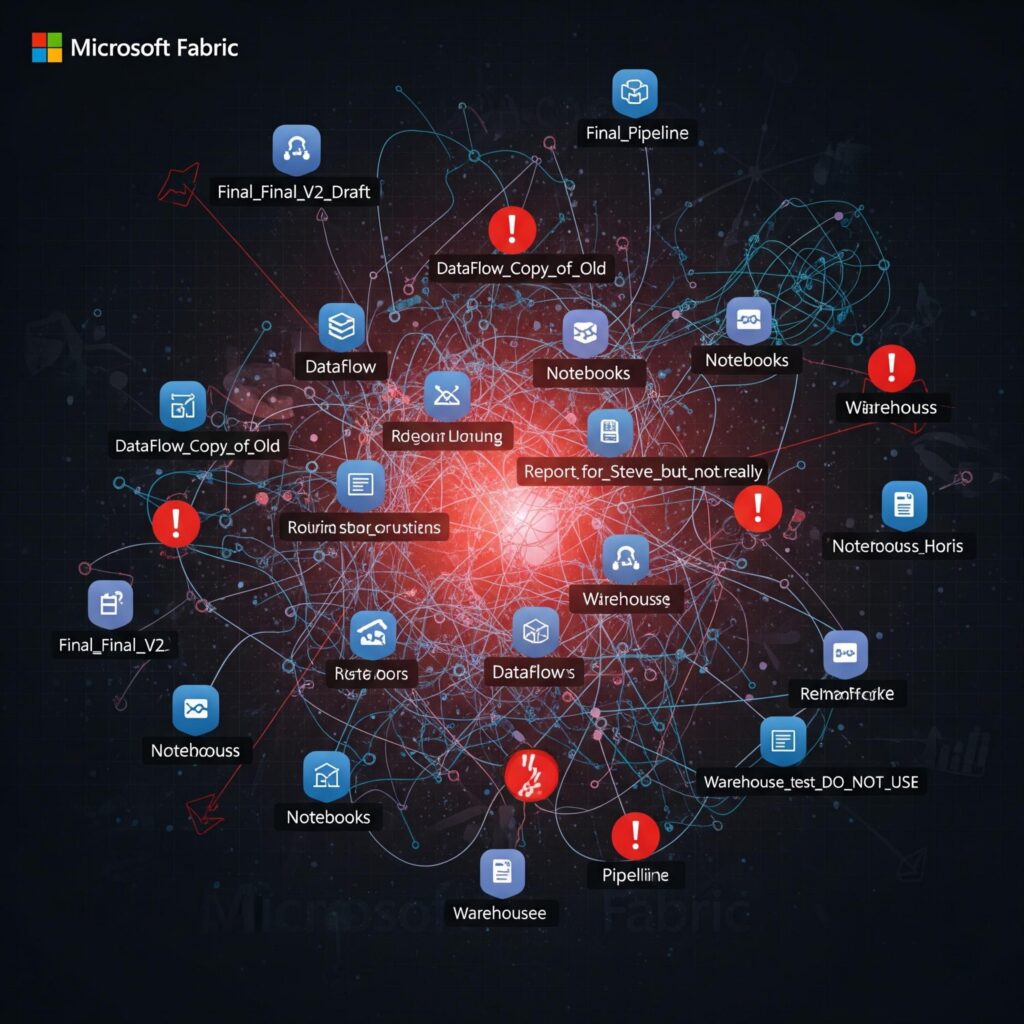
What mature environments look like: Comprehensive naming conventions are documented and cover all Fabric item types — workspaces, lakehouses, warehouses, notebooks, pipelines, semantic models, and dataflows. Crucially, they’re not just documented — they’re enforced as part of code review or deployment checklists and, ideally, validated through automated checks. The naming convention typically encodes the data domain, the item type, and a descriptive name — for example, finance-lh-general-ledger or sales-nb-daily-ingestion. Consistent enforcement is what separates a documented standard from an effective one.
Microsoft Fabric Anti-Pattern #3: Direct-to-Prod Workflows With No Version Control
This one is closely related to the workspace problem but deserves its own spotlight because it’s the single highest-risk gap we see in Fabric environments.
When there’s no separation between development and production, changes go live the moment someone clicks “Save” in the Fabric portal. There’s no change history, no ability to review what changed, and no way to roll back a bad update short of manually recreating the prior state.
The underlying issue is usually that teams haven’t connected their workspaces to Git using Fabric’s built-in Git integration (Azure DevOps Repos or GitHub). This feature exists today and requires minimal setup, yet it remains one of the most under-adopted capabilities on the platform.
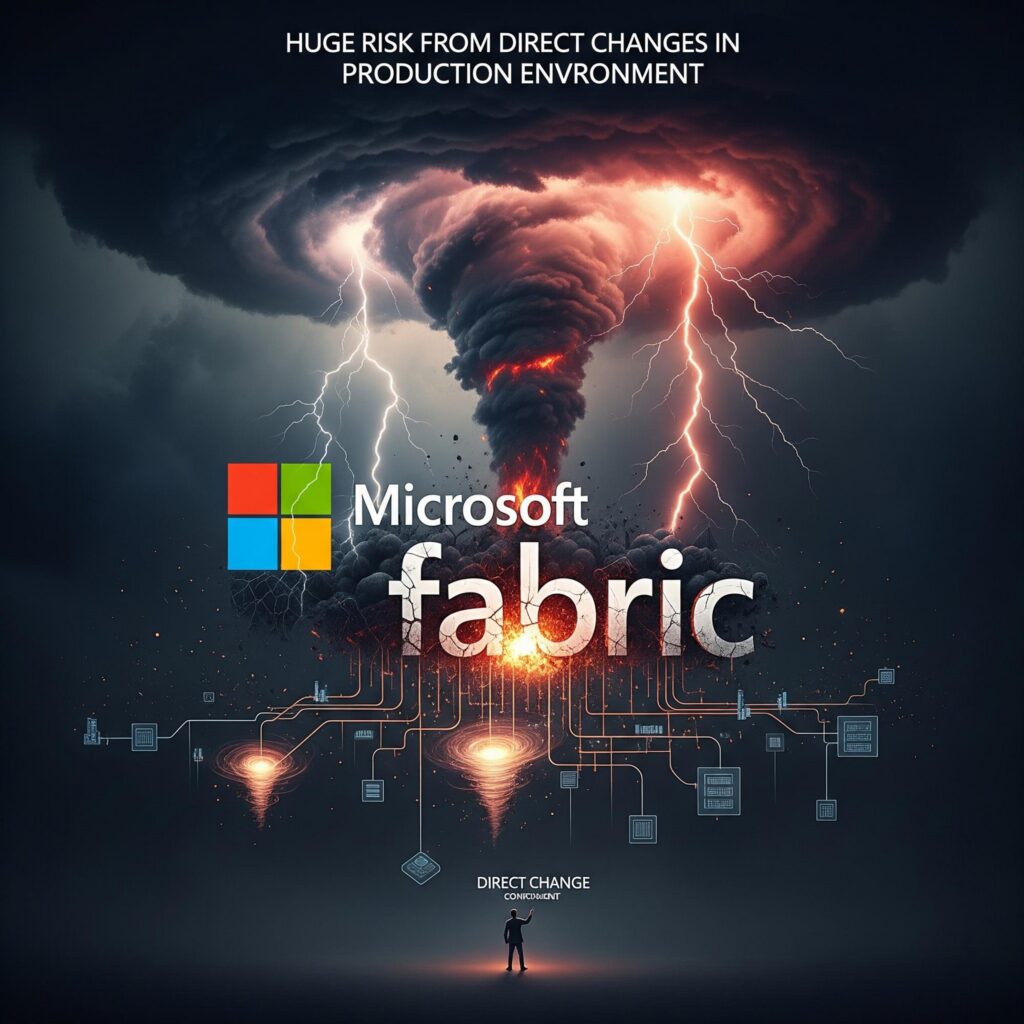
What mature environments look like: Development workspaces are each connected to Git (Azure DevOps Repos or GitHub) with branch policies that require pull requests and code reviews before changes can be merged. Promotion between environments follows a structured workflow — either through Fabric Deployment Pipelines or a CI/CD pipeline using Fabric-CICD — so that no change reaches production without being tested and reviewed first. Every change has an audit trail: who made it, when, why, and what was affected. Teams that are earlier in their journey don’t need all of this on day one — even connecting your most critical workspace to Git and requiring a basic review before promoting changes to production is a massive improvement over direct portal edits with no history.
Microsoft Fabric Anti-Pattern #4: Capacity Blindness
Many organizations provision a single Fabric capacity and never look at it again — until the throttling notifications start arriving and business users complain that their dashboards are slow.
The root cause is that teams don’t understand how Fabric’s capacity model works. All workloads — data engineering, data warehousing, Power BI, real-time intelligence — share the same pool of capacity units. A heavy Spark job running during business hours can directly impact report performance for hundreds of users.
What we recommend: Start by installing the Fabric Capacity Metrics app and reviewing your consumption patterns. Understand which workloads are consuming the most CUs and when. As a first step, consider provisioning a separate capacity for production reporting workloads to insulate business-critical dashboards from development and ad hoc processing activity. This is one of the highest-impact, lowest-effort improvements we recommend.
Microsoft Fabric Anti-Pattern #5: Hardcoded Credentials and Configuration
We regularly find connection strings, file paths, and even credentials embedded directly in notebooks and pipeline code. This creates multiple problems simultaneously: it’s a security risk, it makes it impossible to promote code between environments without manual edits, and it creates a maintenance burden every time a connection changes.
What mature environments look like: Connection strings, file paths, and credentials are never embedded in code. Instead, teams use Fabric’s environment-level configuration features — such as Spark environment variables, pipeline parameters, and parameterized linked services — to externalize all environment-specific values. Code that runs in dev automatically points to dev data sources; the same code, when promoted to test or production, picks up the correct configurations without any manual edits. Secrets like passwords, API keys, and service principal credentials are stored in Azure Key Vault and referenced at runtime rather than pasted into notebooks or pipeline expressions. This approach solves three problems at once: it eliminates a significant security risk, it makes environment promotion reliable and repeatable, and it means a single connection change doesn’t require hunting through dozens of notebooks to find every place it was hardcoded. As with most of these anti-patterns, you don’t need to fix everything at once — even extracting the credentials and connection strings from your most critical production pipelines into Key Vault and parameters is a meaningful first step.
Microsoft Fabric Anti-Pattern #6: Individual Account Access Everywhere
Workspace access assigned to individual user accounts instead of Azure AD security groups is one of the most common security gaps we encounter. It seems harmless initially — there are only a few people who need access. But as the environment grows, individual assignments become impossible to audit, impossible to manage at scale, and nearly impossible to clean up.
When someone leaves the team, their access often persists for months because there’s no group membership to remove them from — someone has to remember to go into each workspace and revoke their individual assignment.
What we recommend: Transition to Azure AD security groups for all workspace access assignments. Implement role-based access control with regular access reviews (quarterly is a good cadence) and enforce least-privilege principles — users should only have the minimum permissions needed for their role.
Microsoft Fabric Anti-Pattern #7: Tenant Security Settings Never Reviewed
Fabric’s Admin Portal tenant settings control critical behaviors: who can export data, who can embed content, who can use service principals, how guest access works, and much more. Many organizations configure these settings once during initial Fabric setup and never revisit them.
The problem is that Microsoft continuously adds new tenant settings as Fabric evolves. A setting that didn’t exist six months ago might now control a capability that’s enabled by default for your entire organization. Without a regular review cadence, your security posture silently degrades over time.

What we recommend: Establish a formal, recurring review of all Fabric Admin Portal tenant settings — quarterly at minimum. Pay particular attention to export and sharing settings, sensitivity label and Information Protection settings, and developer settings (embedding, API access, service principal usage) to ensure they’re scoped to approved security groups only.
Microsoft Fabric Anti-Pattern #8: No Data Ownership
This is a governance anti-pattern, and it’s one of the most damaging because it makes every other governance initiative harder to implement. When no one owns the data, no one is accountable for its quality, no one approves changes to it, and no one knows who to ask when something looks wrong.
We frequently see organizations where critical business reports are built on datasets that have no documented owner. When a data quality issue surfaces, it triggers a round of finger-pointing that can take days to resolve — not because the fix is complex, but because no one knows who’s responsible for fixing it.
Where to start: Identify the most critical datasets in your Fabric environment and assign an owner to each — this is typically the team lead or domain expert who best understands the data. Even documenting ownership for your top five datasets is a meaningful first step. Pair data ownership with Fabric’s endorsement labels (Certified and Promoted) to signal which semantic models and datasets consumers should trust and use.
Microsoft Fabric Anti-Pattern #9: Semantic Model Sprawl
This anti-pattern shows up when multiple teams independently build semantic models against the same underlying data. You end up with three different “Revenue” measures that return three different numbers, and no one knows which one is correct.
The root cause is usually a lack of semantic model governance: no certification process, no endorsement strategy, and no consolidation effort. Teams create their own models because they either don’t know an official one exists or they don’t trust the one that’s available.
What mature environments look like: Core semantic models are defined for key business domains. Official models are endorsed using Fabric’s Certified label. Duplicate models are actively consolidated, and there’s a clear change management process for modifying certified models. Teams understand that creating a new model for data that already has a certified model requires justification.
Microsoft Fabric Anti-Pattern #10: Ad Hoc Data Ingestion With No Standard Pattern
Data gets into Fabric through a dozen different paths: Data Pipelines, Dataflows Gen2, notebooks with custom Spark code, Mirroring, Shortcuts, manual file uploads — and in many environments, all of these methods are in use simultaneously with no consistency.
The result is that every data source has its own ingestion approach, its own error handling (or lack thereof), its own logging strategy, and its own owner. When an ingestion job fails at 2 AM, there’s no standard place to check what happened, no consistent alerting, and no predictable recovery process. New data sources take longer to onboard because every integration is built from scratch.
What mature environments look like: The team has chosen a primary ingestion approach — typically Data Pipelines and Dataflows Gen2 for most scenarios, with Mirroring and Shortcuts used where appropriate for real-time or virtualized access patterns. There’s a reusable pattern for connecting to sources, handling errors, logging execution results, and managing retries. This pattern is applied consistently across all data sources, which means onboarding a new source is a matter of configuring an existing template rather than building a new pipeline from scratch. The ingestion approach aligns with a medallion architecture: raw data lands in Bronze, validated and conformed data moves to Silver, and business-ready data is served from Gold — with clear SLAs defined at each layer.
Microsoft Fabric Anti-Pattern #11: No Data Quality Strategy
Many Fabric environments have no systematic approach to data quality. Data flows from source systems into lakehouses and eventually into reports, and the first time anyone notices a quality issue is when a business user spots a number that doesn’t look right in a dashboard. At that point, the damage is already done — decisions may have been made on bad data, and the investigation to find where the problem originated can take days.
Even in environments where some data quality checks exist, they’re often inconsistent — one pipeline validates null counts and schema conformance. In contrast, another pipeline for equally critical data has no checks at all. There’s no systematic framework for what “quality” means or how to measure it.
What mature environments look like: Data quality rules and expectations are documented for key datasets. Automated data quality checks run as part of pipelines — not as an afterthought, but as a gate that prevents bad data from propagating downstream. Data quality issues are tracked through a defined process with assigned owners. Quality metrics and scores are published to data consumers through dashboards or catalog metadata, so stakeholders know the reliability of the data they’re using. Automated alerting monitors data quality thresholds and proactively notifies stakeholders of SLA breaches before business users discover the problem themselves.
Microsoft Fabric Anti-Pattern #12: Reactive Monitoring — or No Monitoring at All
The most common monitoring posture we see is “we look at things when something breaks.” Fabric admin portal activity logs exist but aren’t reviewed regularly. Capacity utilization isn’t tracked until throttling starts. Pipeline failures are discovered when downstream reports show stale data. There’s no centralized view of what’s happening across the Fabric environment.
The slightly more mature — but still problematic — version of this is organizations that review logs and monitor capacity but do nothing proactive with that information. They can tell you that capacity hit 90% last Tuesday, but they don’t have alerts configured to tell them before it becomes a problem. They can pull up audit logs, but they’re not exported to a centralized logging solution for correlation or long-term analysis.
What mature environments look like: Monitoring covers three layers. First, automated alerts are configured for key operational events — pipeline failures, capacity throttling, unusual access patterns, and data refresh failures. Second, audit logs are exported to a centralized logging solution (Log Analytics, Sentinel, or a SIEM) for correlation, retention, and security analysis. Third — and this is what separates managed environments from merely monitored ones — monitoring data actively drives optimization decisions: identifying underused workspaces for cleanup, right-sizing capacities based on utilization trends, detecting and revoking stale access permissions, and catching anomalous query patterns that might indicate performance problems or security concerns.
How to Assess Your Own Fabric Environment
After encountering these anti-patterns repeatedly, we decided to package our assessment framework into a free, self-service tool that any team can use to evaluate their own environment.
Take the Free Microsoft Fabric Maturity Assessment →
The assessment covers approximately 20 questions across five dimensions:
- Overall Architecture: Workspace and environment strategy, naming conventions, and capacity planning.
- Fabric Item Architecture: Compute selection (Lakehouse vs. Warehouse vs. KQL Database), medallion architecture implementation, data ingestion patterns, and semantic model approach.
- Governance: Data ownership, data quality, monitoring, and semantic model governance.
- Security: Workspace access controls, tenant security settings, admin role management, and networking security (Conditional Access, private endpoints, VNet gateways, trusted workspace access).
- DevOps: Version control (Git integration), deployment promotion (Fabric Deployment Pipelines or Fabric-CICD), and environment configuration management.
Each question maps to a maturity scale, and the tool generates:
- A maturity score (0–100) with a maturity level from Foundational through Optimized
- Per-category percentage breakdowns so you can see exactly where you’re strong versus where the gaps are
- A prioritized gaps list showing which areas need attention first, ranked by impact
- Specific, actionable recommendations for every assessed area — not generic advice, but next steps tailored to your current maturity level
The overall score and category breakdown are available immediately with no login required. We ask for an email address to unlock the full, detailed recommendations report.
When This Assessment Is Most Useful
Based on the conversations we’ve had with teams who’ve used it, these are the scenarios where the assessment delivers the most value:
- You inherited a Fabric environment and need to quickly understand what’s well-architected and what needs work before you can move forward confidently.
- You need to make a case to leadership for investing in Fabric platform maturity — governance, security, DevOps. The gap analysis gives you a structured artifact showing the current state and prioritized improvements.
- You’re an architect starting a new Fabric engagement and want a rapid baseline before diving into a deeper technical review.
- Your team just finished a POC or initial rollout and needs to know what to harden and in what order before scaling to more workloads and users.
- You’re preparing for a governance or security review and want to benchmark how your Fabric tenant settings, workspace access model, and networking posture stack up against established best practices.
What’s Next
We’re continuing to expand the assessment based on community feedback and our ongoing delivery experience. On the roadmap:
- Deeper assessments for Fabric architecture and governance, specifically
- Benchmarking against anonymized peer data so you can see how your environment compares to similar organizations
If you have feedback on areas we should cover or anti-patterns we’re missing, we’d love to hear from you. Contact us →
And if your assessment reveals gaps that you’d like help addressing, our Microsoft Fabric consultants specialize in turning maturity assessments into concrete improvement roadmaps — from architecture reviews to hands-on remediation. Book a free 30-minute results review →