SUMMARY: For modern businesses, Microsoft subscriptions are often a bloated expense. Learn how to avoid “Zombie Licenses,” eliminate feature overlap, and navigate the massive 2026 price hike. We break down the Microsoft 365 E3 vs. E5 differences and show how XTIVIA “right-sizes” your licenses for max strategic value and security.
Table of contents
For most modern businesses, the Microsoft ecosystem is the foundation of daily operations. From Teams and Outlook to the massive scale of Azure, these tools keep the lights on. However, there is a significant gap between buying a subscription and optimizing it.
Too many organizations treat Microsoft licensing as a “set-it-and-forget-it” utility bill. The result? Bloated costs, security gaps, and a frustrating support experience. At XTIVIA, we transform your Microsoft investment from a line-item expense into a strategic growth engine.
The “Gotchas”: What You Don’t Know is Costing You
Microsoft’s licensing is notoriously complex. Without a partner, it’s easy to fall into these common traps:
- The “Zombie” License: Paying for active subscriptions for employees who left the company months ago because the offboarding process isn’t synced with your billing portal.
- Feature Overlap: Paying for third-party backups, Slack, or Zoom when your current Microsoft tier likely already includes superior, integrated versions of those tools.
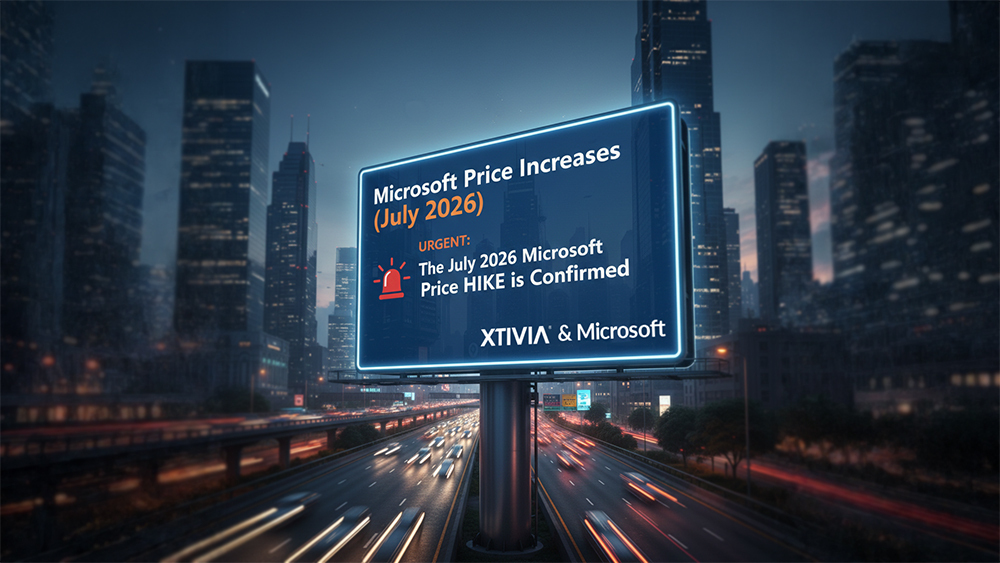
- The 2026 Price Hike: Microsoft has announced significant price increases effective July 1, 2026 (e.g., M365 E5 rising to $60/user/month). Without a partner to help you lock in rates or “right-size” your seats now, your IT budget could face a sudden 5–15% spike.
- The “Trial” Cliff: Automatically converting “free trials” of add-ons (like Teams Premium) into paid subscriptions for your entire staff without warning.
Understanding the E5 Powerhouse
Many companies wonder whether to upgrade to the “luxury suite” of Microsoft licensing: Microsoft 365 E5. While it is the most expensive tier, it offers capabilities that can replace an entire stack of third-party vendors.
What is E5, exactly?
E5 is the top-tier enterprise license. It takes the foundation of E3 (Office apps and basic cloud services) and adds three critical pillars:
- Advanced Security (Defender XDR): Includes automated investigation and response. It doesn’t just find a threat; it fixes it. Starting in 2026, E5 also includes Microsoft Security Copilot agents to help your IT team work faster with AI.
- Intelligent Compliance: Features such as Insider Risk Management and Advanced eDiscovery are essential for regulated industries (Finance, Healthcare) to prevent data leaks before they occur.
- Voice & Analytics: E5 includes a full cloud-based Phone System (replacing traditional landlines) and Power BI Pro for high-level data visualization.
Microsoft 365: E3 vs. E5 Comparison (2026 Update)
| Feature | Microsoft 365 E3 | Microsoft 365 E5 |
| Standard Apps | Word, Excel, PowerPoint, Teams | Included + Advanced Analytics |
| Security | Defender for Office 365 P1 (New for 2026) | Full Defender XDR + Security Copilot |
| Phone System | Add-on ($) | Included (Teams Phone) |
| Analytics | Power BI (Free version) | Included (Power BI Pro) |
| Compliance | Core Data Protection | Advanced eDiscovery & Insider Risk |
| Est. 2026 Price | ~$39.00 /user/month | ~$60.00 /user/month |
Why Work with a Partner Like XTIVIA?
Buying directly from a vendor makes you a number. Working with XTIVIA makes you a priority. We act as your advocate within the Microsoft ecosystem.
1. Proactive “Right-Sizing.”
We don’t believe in “one-size-fits-all.” We audit your actual usage. If 40% of your staff only need basic email, we won’t let you pay for E5 licenses for them. We find the “Goldilocks” zone for your budget.
2. Navigating the 2026 Roadmap
With the major 2026 updates—including Intune Remote Help and Advanced Analytics moving into core licenses—we help you stay ahead of the curve. We ensure you receive the new features you’re paying for as soon as they’re released.
3. A Human Support Experience
When a critical system goes down, you don’t want to wait in a global queue for a Tier 1 tech. XTIVIA provides a dedicated team that knows your architecture, your history, and your goals. We handle the troubleshooting so your IT team can stay focused on high-value projects.
4. Security Configuration
Microsoft provides the tools, but they aren’t always “secure by default.” We specialize in hardening your tenant—configuring MFA, Conditional Access, and Data Loss Prevention (DLP) to ensure your “front door” is locked.
The Bottom Line
Your Microsoft subscriptions are likely one of your largest recurring IT expenses. Don’t manage them in the dark.
Are you sure you aren’t overpaying? Schedule a 15-Minute License Audit with XTIVIA